Yesterday evening, just before heading out to a Friday dinner with family,
I had the brilliantnot idea of registering an additional WhatsApp account to use with Hermes Agent and act as a personal assistant.
Meta recently introduced support for using multiple accounts in the same app, and while there was a tiny bit of fear in me that I would be using an unauthorized connection and am risking an account ban, I figured it’d be fine since I’m running several separate WhatsApp bots and nothing’s happened to them yet. I was proven wrong very shortly after, because no more than five seconds after inserting the new SIM card into my device and registering it, I got the dreaded “This account can no longer use WhatsApp” error screen.
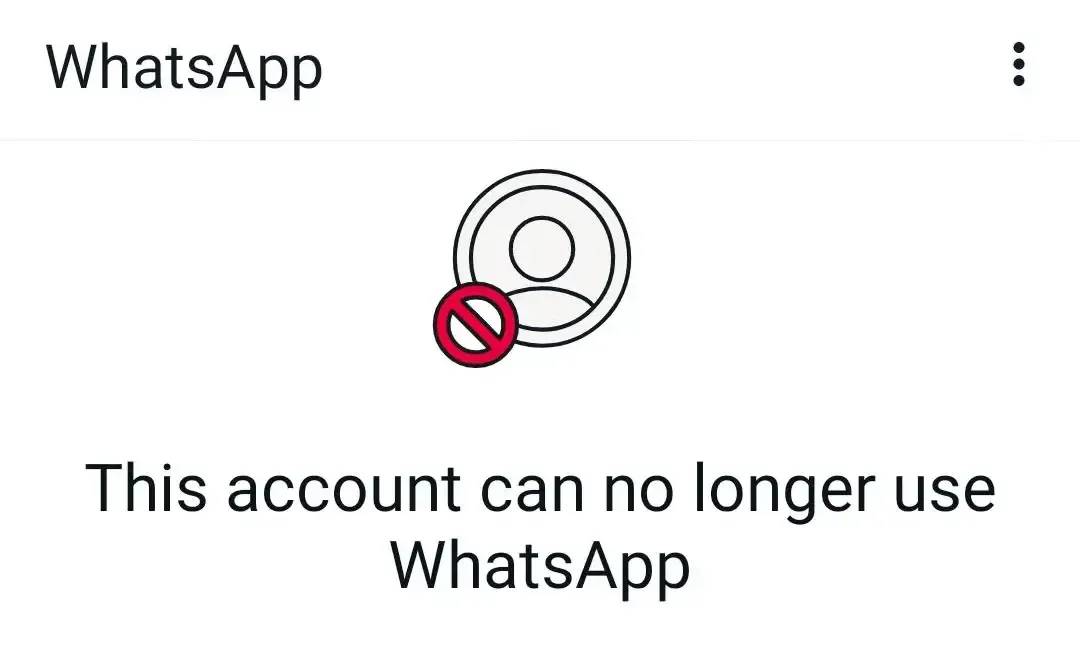
After panicking for a moment I realized that the top-right menu still allows me to switch back to my previous account, so I clicked the button to submit an appeal and switched back. A couple more clicks later and my WhatsApp went blank. It was signed out of my main account, and after logging back in I found myself staring at a completely empty chat list.
This panic, as opposed to the previous one, lasted for more than just a brief moment. Almost 10 years of chat history which I meticulously transferred between my devices, carefully making sure to turn on airplane mode right after each device’s last backup to avoid messages getting lost in the middleseriously guys - fix that — all gone. And even worse - turns out my Google Drive backup was for some reason not present, and my previous file backup was almost a year old with an unknown key needed for decryption.
I quickly scrambled to see what messages I have available and back them up before anything happens. Starting with ~/Library/Group Containers/group.net.whatsapp.WhatsApp.shared/ChatStorage.sqlite, moving on to old WAHA database files and other miscellaneous findings.
I used Claude to write a tool that parsed them all into a Frankenstein SQLite file in the format WhatsApp expects, and gave it an emulator to play around with and see that the dump.
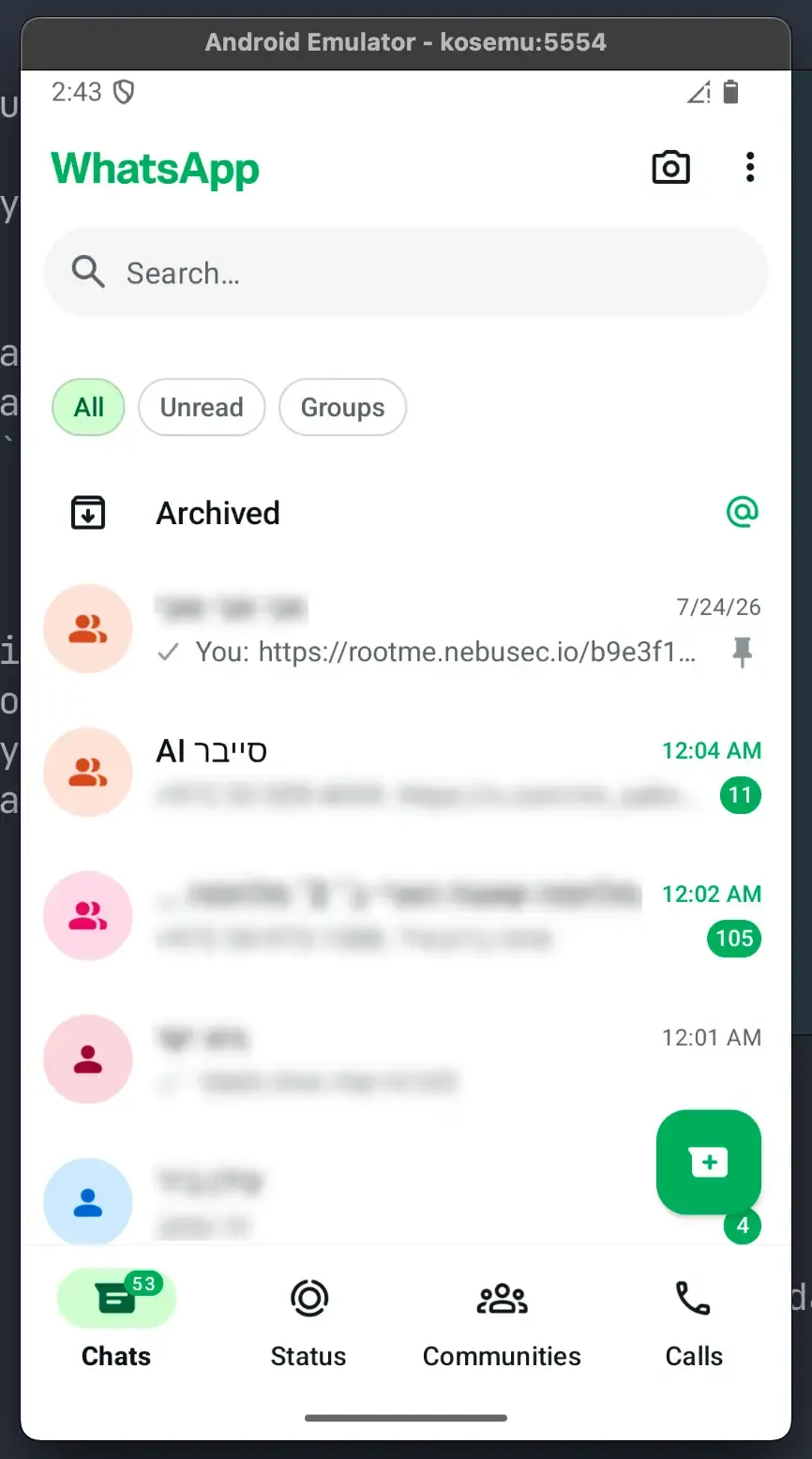
As nice as that was, those scattered database recoveries spanned in total just about a year, spread around different times and missing a lot of my history.
One thing kept bugging me: I never deleted my files. However awful this app is, I have trouble believing that my database was just wiped.
Looking at my phone’s storage settings, WhatsApp still reports itself as weighing almost 8GB - exactly as it used to before the great reset.
My assumption at this stage is that for some unknown reason, when I re-registered my number it created a new user account in the local app instead of reusing my old one, but that if I were somehow to gain access into my “main” WhatsApp profile again, everything would still be there.
So I decided I’d be going for the prize. As you might know, getting files off of Android is pretty much not something you can normally do. Your options can be summed up like this:
- Rooting the device: requires that you unlock your bootloader, which wipes your entire drive.
run-aswhich allows you to spawn a shell and run commands as an application requires it to be marked as debuggable.- Using the daily database backups which are in the user-readable
/sdcard: as mentioned above they’re very old and the key is inaccessible to me somewhere in WhatsApp’s app directory or Meta’s servers.
Well, (1) could use a little restating.
Rooting your device normally requires that you unlock the bootloader, but what if you.. don’t?
Luck was on my side and just this month the lovely guys at Nebula Security published GhostLock along with exploits for various Android devices.
After about ten miserable hourswhich started at 11PM, so you can only imagine how miserable they were with Kimi K3, three better ones with GPT 5.6 Sol and the Trusted Access for Cyber program and tens of panics of an entirely different kind, I managed to pop a root shell on my Pixel 9a (tegu) running the July security patch (CP2A.260605.012, Linux 6.1.157-android14-11-gbd23337e42e7-ab14791245).
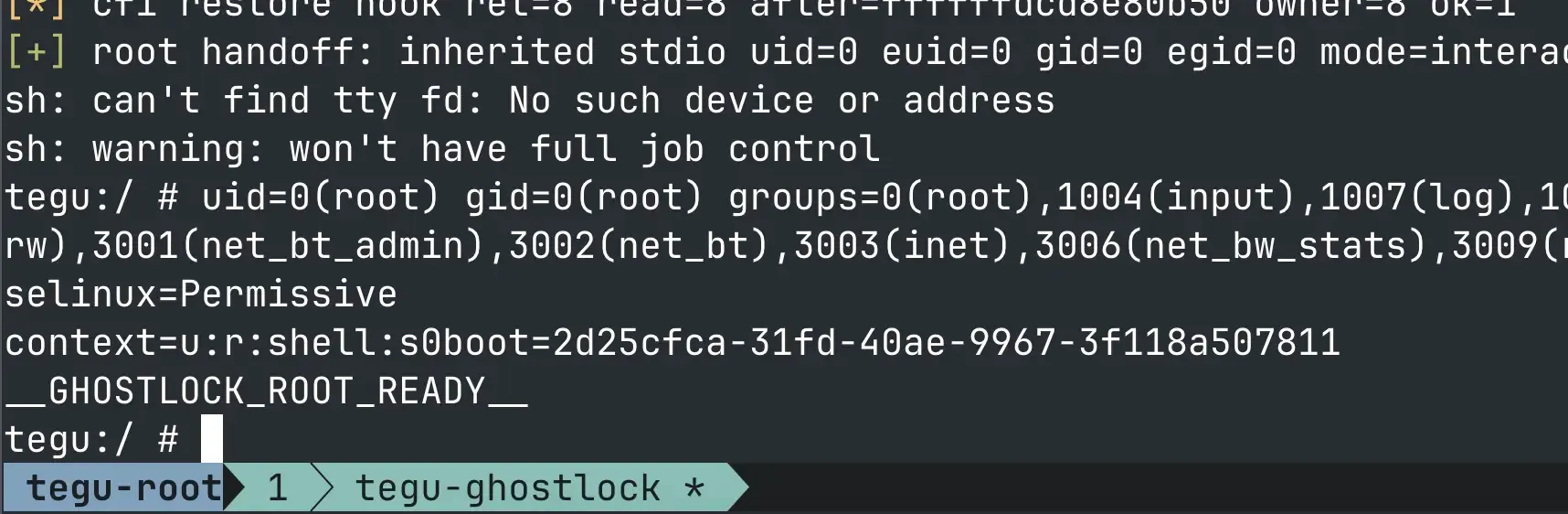
Feels so good to own your property.
From there on it was mostly a breeze: My hunch was correct and I was able to find all three databases in WhatsApp’s data directory. I enhanced my tool with the ability to merge two real WhatsApp databases (I didn’t want to lose this one day’s worth of mostly suicidal messages) and pushed it to my emulator to verify, and from there to my real device.
I was lucky; Here’s how you can not rely on it
Obviously: back up your data.
More concretely: Enable end-to-end encrypted backups for WhatsApp, which are the only form of backup where you hold the keys.
This setting applies to both the local and remote (Google Drive) backups. You could then take the msgstore.db.crypt15 file and back it up wherever you wish, or use a tool such as whatsapp-backup-downloader-decryptor to download the backup from Google when needed.